Cricut Access vs Owning a Design Library
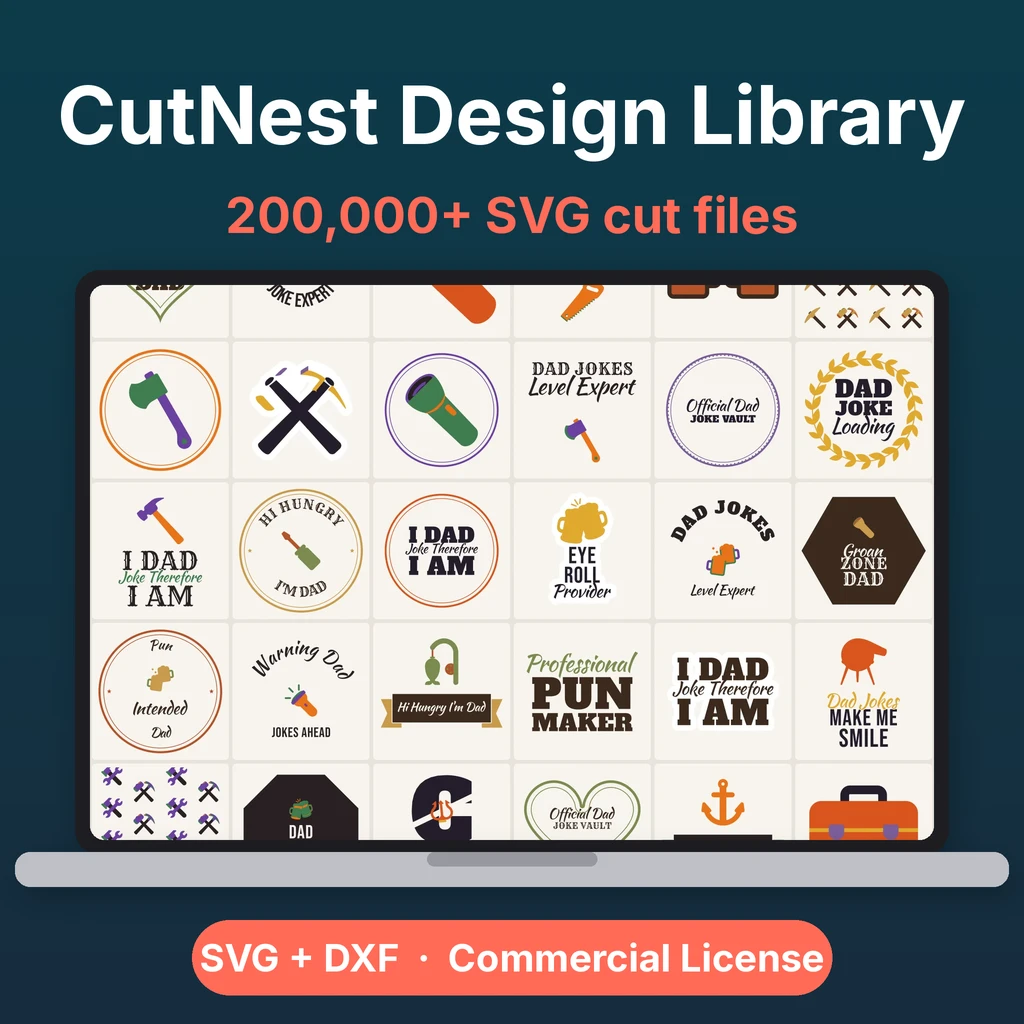
A subscription gives you access to a catalog while you pay; owning a design library gives you files you keep. Neither is better for everyone. The right choice depends on how you use your machine, what you plan to sell, and whether you like to work offline. This page compares the two models without quoting prices, because third-party plans and prices change. Check the current terms on the company's site before you decide.
The two models
| Subscription (Cricut Access) | Owned library | |
|---|---|---|
| How you pay | Recurring, on a plan | One time |
| What you get | Access to a catalog and fonts inside the app | Files you download and keep |
| If you stop paying | Access to the catalog ends | You keep the files |
| Where designs live | Inside the company's app | On your drive, in any software |
| Formats | App-based | SVG and DXF files |
| Selling | Depends on the plan terms | Depends on the library license |
Questions to ask yourself
- How often do you cut? If you cut weekly and use many different designs, a catalog can pay off. If you cut a few times a year, a subscription may sit idle.
- Do you use only one machine and one app? A subscription lives inside that app. Files you own work in any software that reads SVG or DXF.
- Do you sell? Read the license for finished products carefully. Selling needs clear written terms, whatever the source.
- Do you want to work offline or on a different machine later? Files on your drive do not depend on a login.
- Do you want to preview first? A good library lets you see the real file before downloading.
What a subscription does well
- A large catalog of ready-made projects, with step-by-step instructions inside the app.
- Fonts and images in one place.
- New content as the company adds it.
What owning does well
- No recurring cost once you have bought it.
- Files stay on your computer even if you change plans or machines.
- Compatible with other cutting software.
- One written license that you keep.
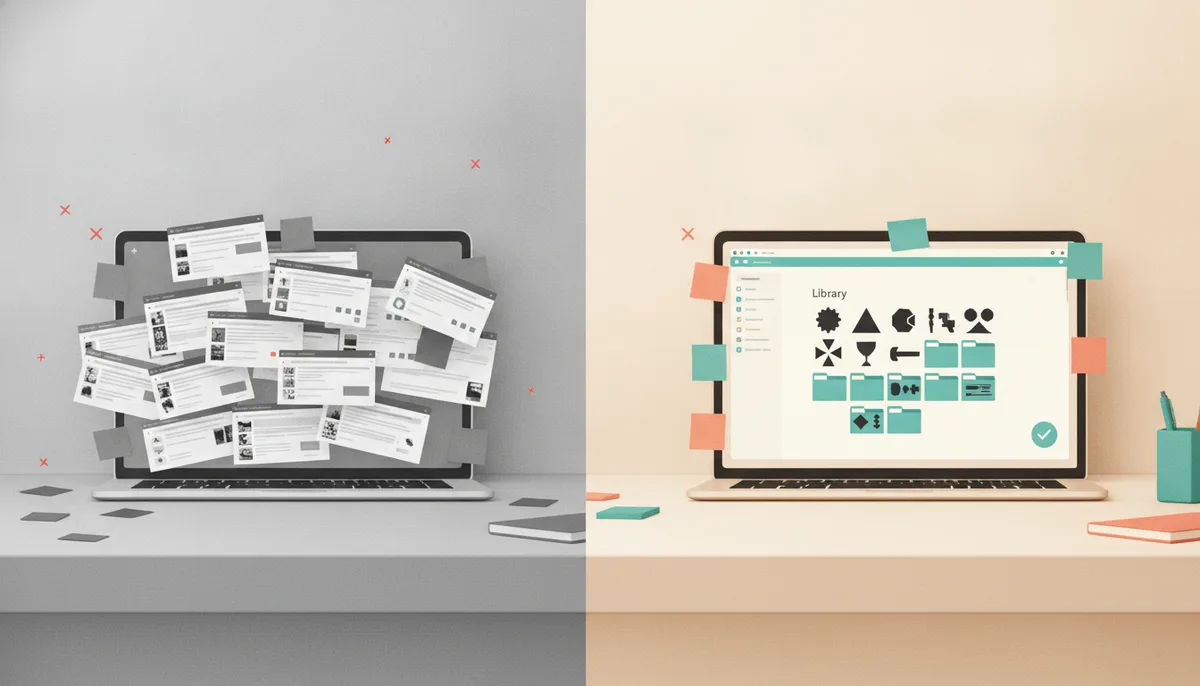
What to watch out for in either model
- Terms change. Read the current license, not an old blog post.
- Finished-product rights. Check whether you can sell what you make and whether there are limits.
- Detail. Look at the real preview. Fine details that look fine on screen may be hard to cut.
How CutNest Design Library fits
CutNest Design Library is the owned model: a one-time payment for a library organized in 60 categories, with every design as an SVG and a DXF in the category ZIPs. A web app, CutNest Finder, searches the library and previews the real file before you download one design at a time. The CutNest Commercial License PDF lets you make and sell physical products in any quantity, but not the files themselves. The package also includes a Start Here guide, 12 project guides, 1,816 stickers and an open-license font collection.
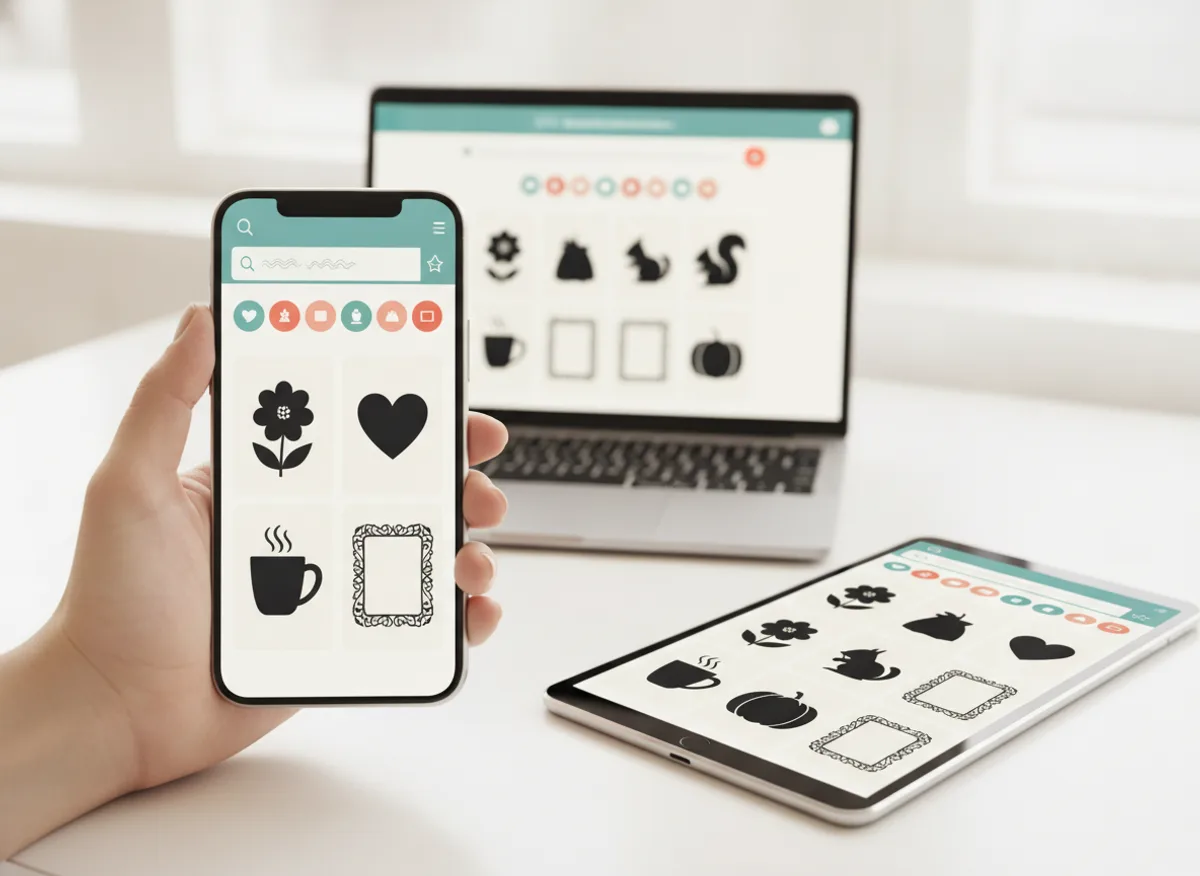
It works in any software that reads SVG or DXF, so it is not tied to one brand of machine. It is independent of the companies whose machines you may use.
A middle path
Many makers use both: a subscription for the app's tutorials and a library of files they own for selling and for use offline. You do not have to choose one forever.
For a wider comparison of sources, read SVG library vs single SVG files. If you use more than one brand of machine, see which files work on Cricut and Silhouette. If you plan to sell, read Cricut projects to sell.
CutNest is not affiliated with Cricut. Brand names appear only to describe compatibility and the topic searched.