Etsy Tags for Craft Listings: How to Choose All 13
Good Etsy tags are the phrases a buyer would type to find your item, written to fit the 13 slots of 20 characters each. They help the platform match your listing to a search. They do not guarantee a sale or a ranking, but a thoughtful set of tags is one of the cheapest improvements you can make to a listing. This guide shows how to build one for craft products such as shirts, mugs, signs and stickers.
The rules of the slots
- Up to 13 tags per listing.
- Each tag can be up to 20 characters, including spaces.
- Tags can be multi-word phrases.
- Use all 13. Unused slots are lost chances.
Always check Etsy's current seller guidance, because platform rules change.
Start with the buyer, not the product
Write down who buys the item and why. A shirt with a cat on it might be a gift for a cat lover, a birthday present or a pet owner. Each of those is a different search.
| Buyer thinks of | Example tag idea |
|---|---|
| The item | "cat lover shirt" |
| The occasion | "birthday gift cat" |
| The person | "gift for cat mom" |
| The style | "minimalist cat tee" |
| The use | "cat themed gift" |
A method that works for craft products
- List what the item is. Type, material and use: "vinyl decal", "wood sign", "iron-on shirt".
- List who it is for. Teacher, nurse, new mom, coworker.
- List the occasion. Christmas, birthday, housewarming, wedding.
- List the style or theme. Floral, farmhouse, funny, boho.
- Combine into phrases that fit 20 characters.
- Check each phrase. Would a buyer type it? If not, change it.
Tag mix
Aim for a mix of:
- 3 to 4 specific phrases that name the exact item.
- 3 to 4 audience or gift phrases.
- 2 to 3 occasion or season phrases.
- 2 to 3 style or theme phrases.
Fitting 20 characters
| Too long | Shorter |
|---|---|
| "personalized name mug gift" | "custom name mug" |
| "heat transfer vinyl shirt" | "iron on tee" |
| "wooden round welcome sign" | "round welcome sign" |
| "waterproof vinyl sticker" | "vinyl sticker" |
Mistakes to avoid
| Mistake | Why it hurts |
|---|---|
| Repeating the same word in all 13 tags | Wastes slots on one idea |
| Brand names you do not own | Can cause problems with the platform and the brand |
| Words that do not describe the item | Brings the wrong buyers |
| Leaving slots empty | Misses searches |
| Only single words | Buyers search in phrases |
| Never revisiting tags | Seasons and trends change |
Seasonal tags
Add season and holiday phrases before the season, not during it. A Christmas shirt listing benefits from phrases for gifts and family events. Remove them after the season if they no longer fit, or keep the listing open for the next year.
A worked example
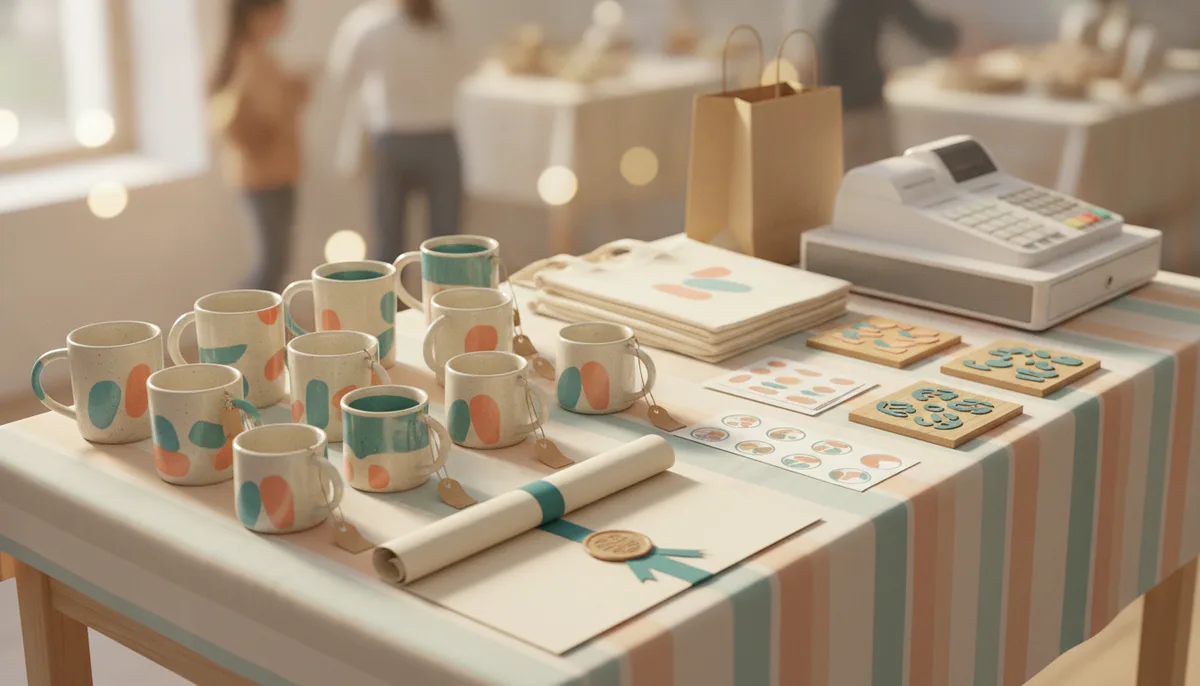
Say you make a round wood sign with a floral wreath and the words "Welcome". Start with the item: a phrase like "round welcome sign" names it exactly. Then think of the buyer: someone decorating a porch, a new homeowner, or a person choosing a housewarming present, which gives you ideas such as "housewarming gift" and "front porch decor". Add the style, such as "farmhouse decor" or "floral wreath sign", and a season if the wreath suits one, such as "spring door sign". That already makes seven honest phrases, each under 20 characters, and each one describes something true about the product. Fill the remaining slots the same way, and stop when a phrase starts to feel like a stretch. A tag that describes something the item is not brings visitors who leave, and that does not help you.
How to review your tags
Every few weeks, look at the search terms that bring visitors to each listing, if your shop stats show them. Keep the phrases that match real searches, and replace the ones that never appear. Small, regular adjustments beat a big rewrite once a year. Look at similar listings to see how buyers describe the item, but write your own phrases rather than copying another shop word for word, since your product and your buyer may differ.
Keep a tag sheet
Make a simple spreadsheet with your products in rows and your tag sets in columns. Re-use what works, and note what you changed and when. It saves time for each new listing.
Where tags fit with the rest of the listing
Tags are one part of a listing. Photos, the title, the description and clear sizing and shipping information all matter, and so does being honest about what the item is. When a listing uses a design, state clearly that it is a physical, handmade item.
What this has to do with CutNest Design Library
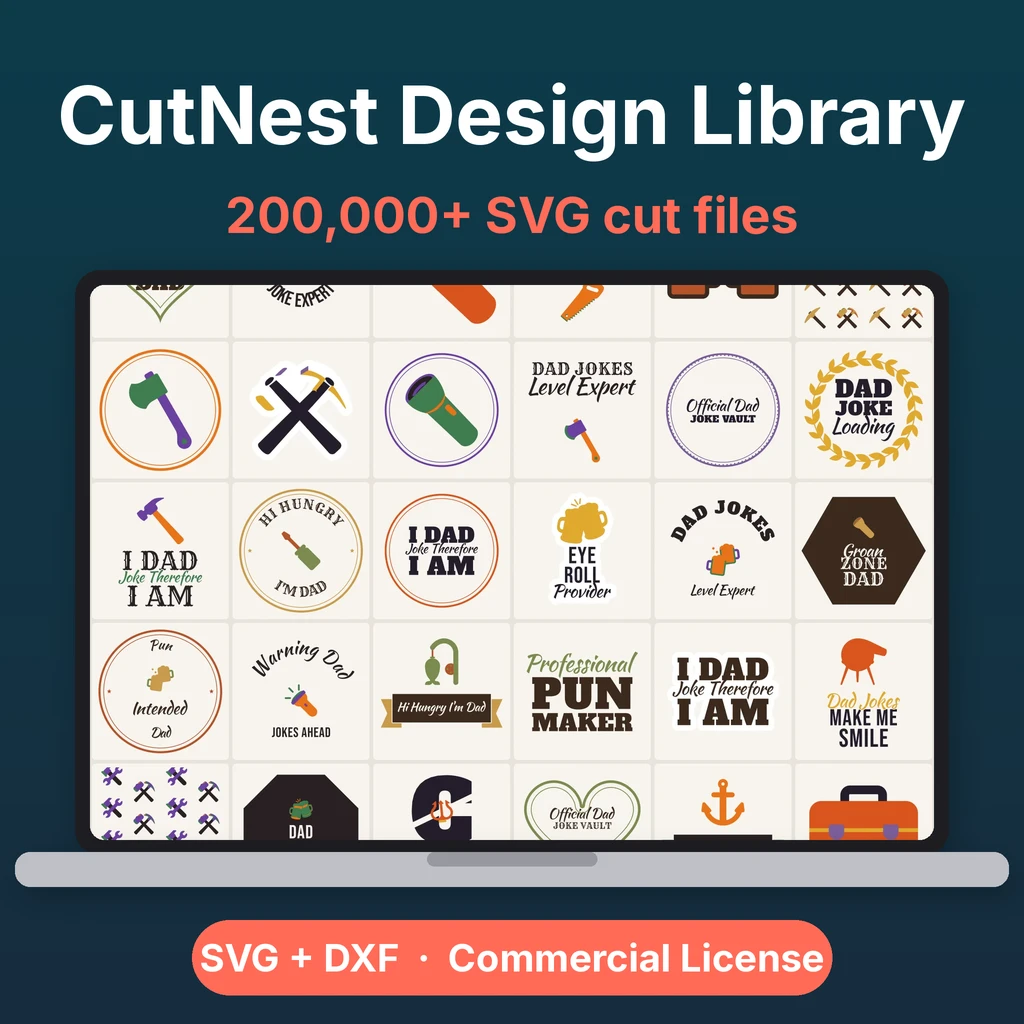
CutNest Design Library gives you the designs to make products: 60 categories of SVG cut files, with a DXF for every design, project guides for shirts, mugs, tumblers, wood signs, stickers and more, and the CutNest Commercial License, which allows you to make and sell physical products but not the files themselves. It is a library of designs, not a set of listing templates.
For listing templates, a set of 500 tags and mockups, there is a separate optional paid add-on, the Craft Seller Pack. It is not part of the base package and is not needed to follow this guide.
Before you list, read Cricut projects to sell and the commercial license. Start a first product with the HTV beginner guide, or plan seasonal stock with Christmas SVG cut files. Selling stickers? See the print then cut guide.
CutNest is not affiliated with Cricut, Silhouette or Etsy. Brand names appear only to describe compatibility and the topic searched.